Advertisement
Click to download now, finish the installation quickly, and directly unlock the all-round experience
Advertisement
Screenshots
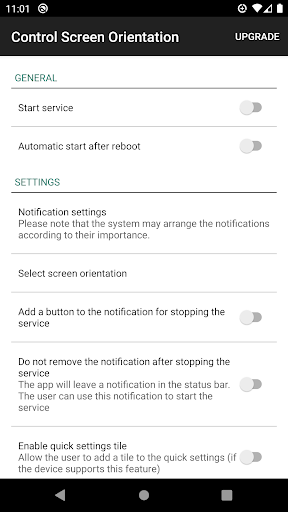
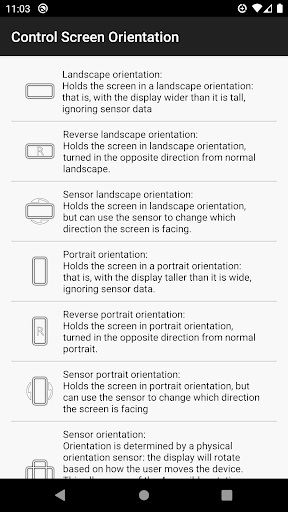
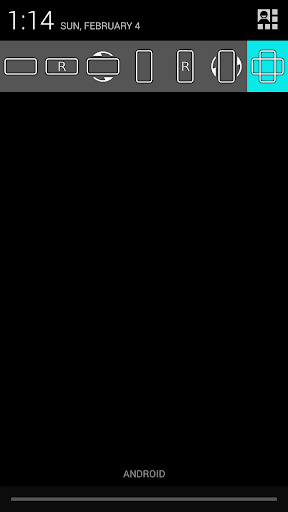
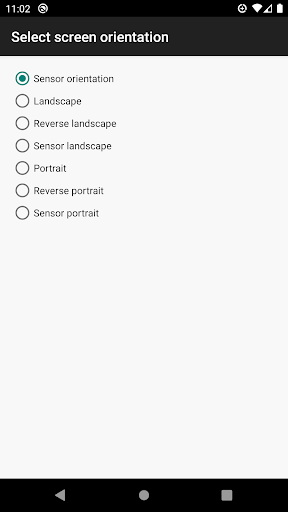
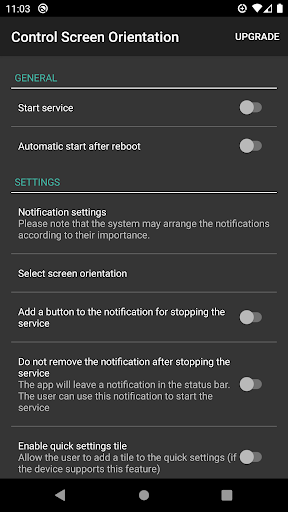
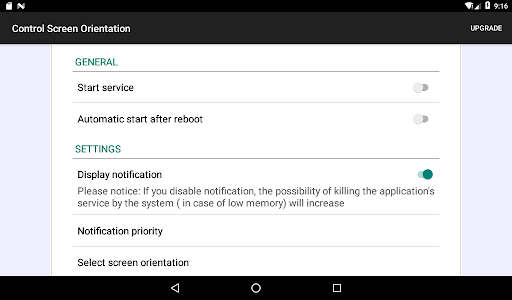
Click to download now, finish the installation quickly, and directly unlock the all-round experience
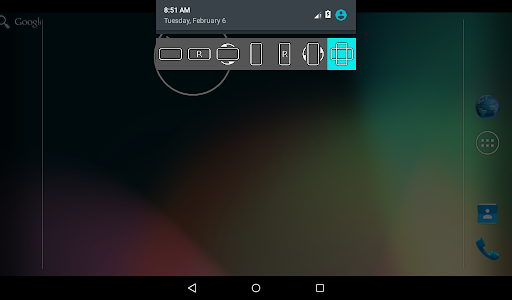
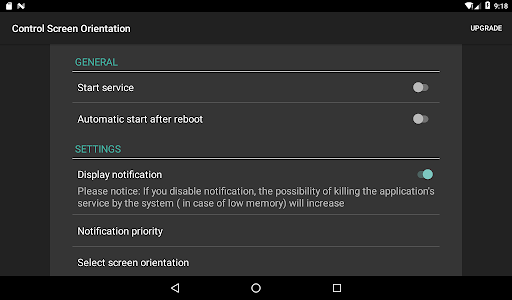
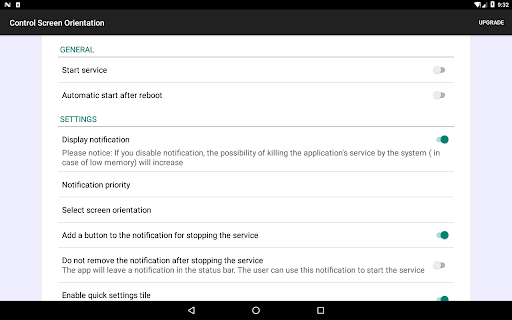
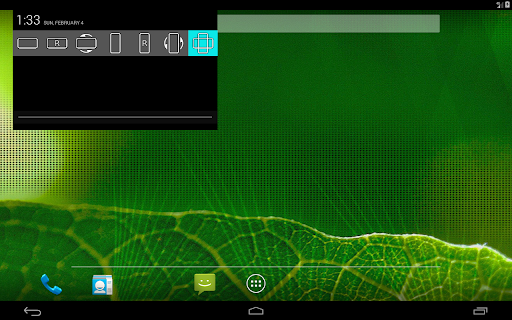
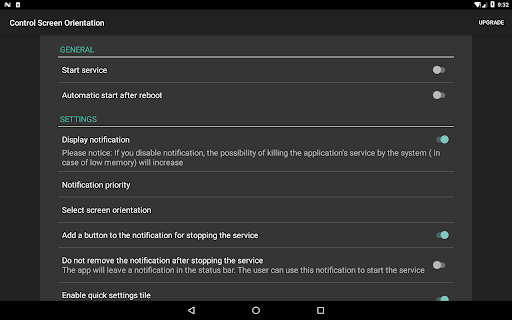
control screen rotation lets you choose how your Android screen is oriented, including while using other apps. Its controls are available from the notification bar, making it useful if you want to stop automatic rotation or switch between portrait and landscape without relying on each app’s own settings.
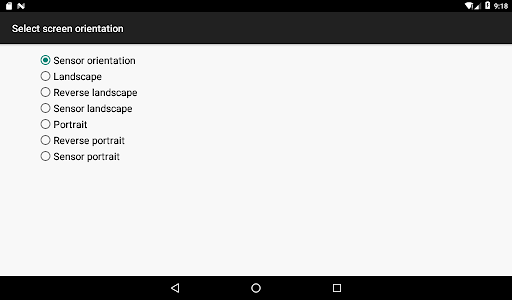
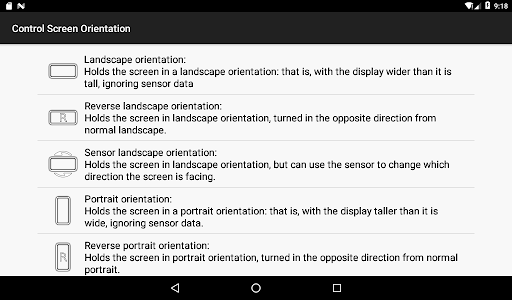
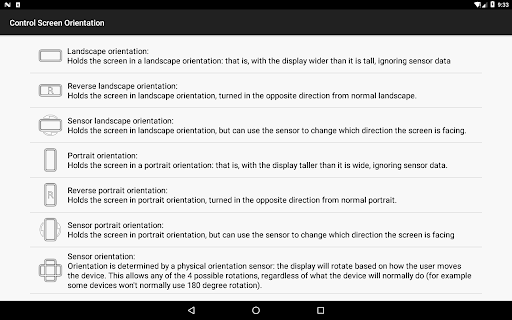
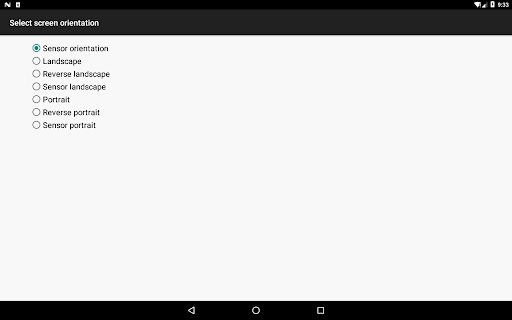
The available choices include portrait, reverse portrait, landscape and reverse landscape, along with sensor-based options for portrait, landscape or automatic orientation. That gives you a way to keep a chosen layout or let the device sensors decide. The listing notes that some orientations may not be available on every device, so the full set of choices can depend on your hardware.
The app is listed in Tools and comes from ah_apps. Its 10,000,000+ installs show that it has reached a large audience, while 33,765 ratings give prospective users a substantial body of feedback to consider. The average rating is 4.225. Those figures suggest a well-used utility, though they do not tell you whether every orientation works on your particular phone.
Rotation control is a focused task rather than a broad device-management suite: the appeal is direct access to orientation choices when automatic rotation is inconvenient. The listing describes the control options and flags a device compatibility limit, useful details for setting expectations. It does not establish how recently the app was updated, so install numbers and ratings are evidence of adoption, not a substitute for checking current compatibility on your device.